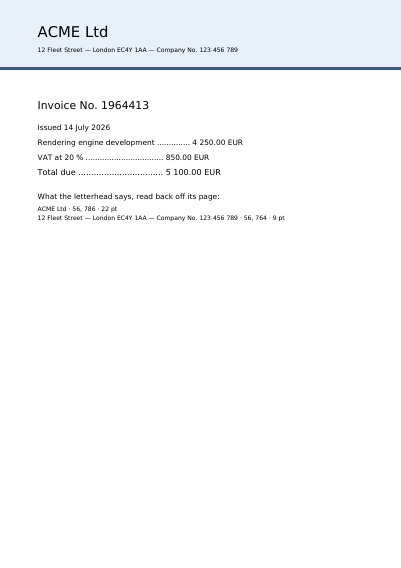
An Invoice Laid on a Letterhead Template
An invoice laid over a letterhead supplied as a PDF file.
Boxes the person receiving the form fills in on screen, and your text laid over a template: a PDF file somebody else already created.
A form is a document with boxes in it: a name, a date, a box to tick, a choice from a list, a place to sign. The person receiving the form fills them in on screen and sends the file back, and what they entered comes back as data rather than as handwriting somebody has to decipher.
An overlay is the same idea the other way round: your text laid onto a template — a letterhead a printing works produced, a contract a customer supplied, a form from an administration, each kept as a PDF file of its own. The template is not redrawn and not altered. It is placed underneath, exactly as it was.
An invoice laid over a letterhead supplied as a PDF file.
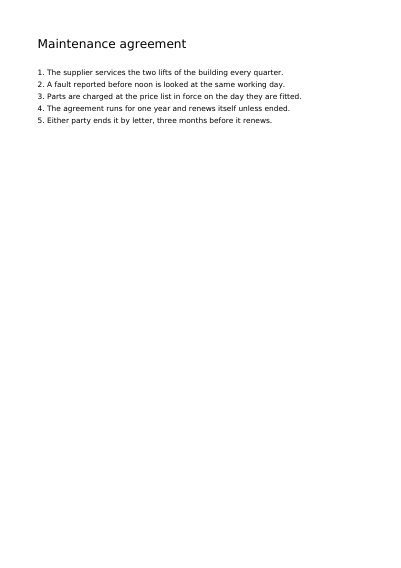
A maintenance agreement somebody else sent, with a signature area, a date and a line of one's own laid over its last page, an annex added after it and an empty place to sign over the signature area, every byte of the agreement left where it was.
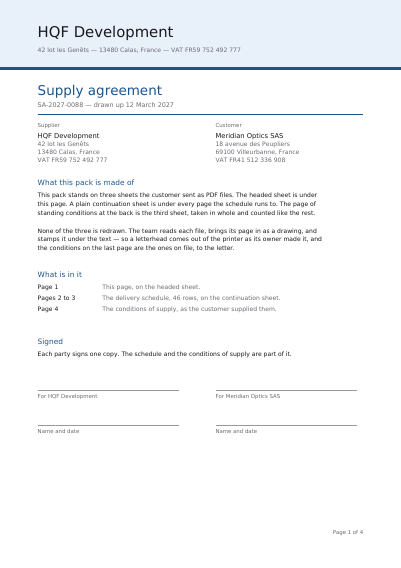
A supply agreement standing on three templates the customer sent: a headed page under the front page, a plain page under every page the schedule runs to, and a page of conditions that goes in whole.
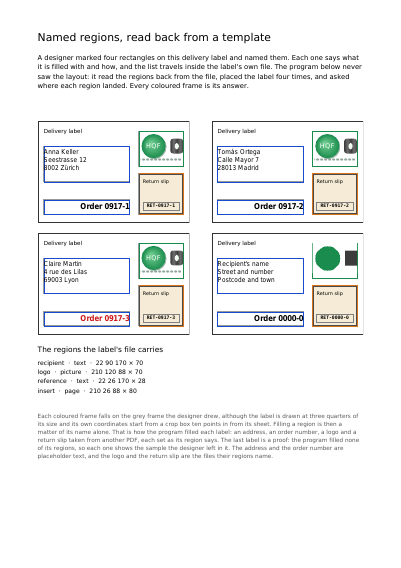
A delivery label on which a designer named four rectangles, read back from its own file, placed four times and filled by those names alone: an address, an order number, a logo drawn from an SVG file and a return slip.
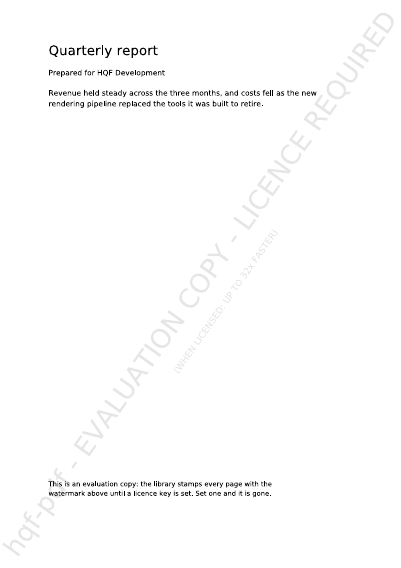
What you get before you pay anything: a watermark across every page, and the same pages under it, laid out exactly as a paid copy lays them out. This is also the document that says what a licence key changes, and why every figure on this site is measured with one.
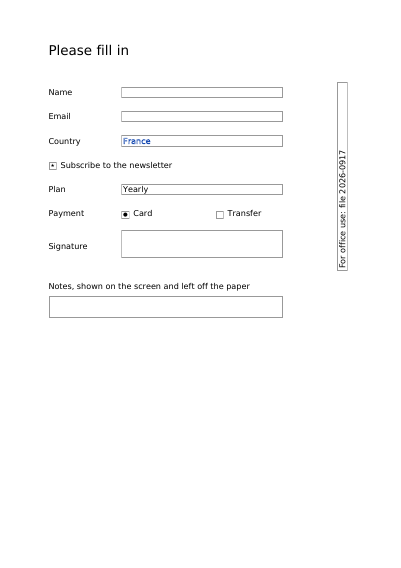
A form a reader fills in: text boxes, a check box, a drop-down, radio buttons.
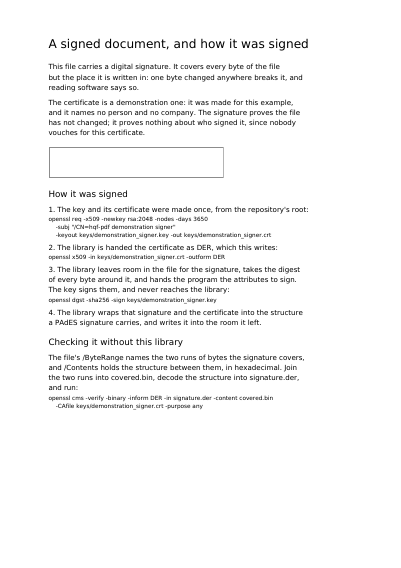
A page carrying a digital signature that any change to the file breaks, made with a certificate that exists only for the demonstration. Every command that made the key and the signature is printed on the page, with the one that checks it without this library.
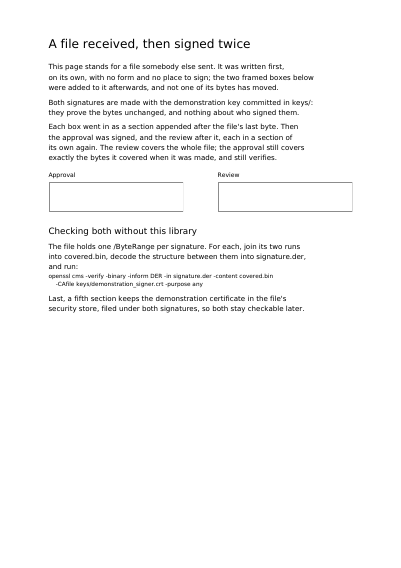
A finished file with no form and no place to sign is given two, then signed twice. Each step is added after the file's last byte, so the first signature still covers exactly what it covered, and OpenSSL checks both without this library.
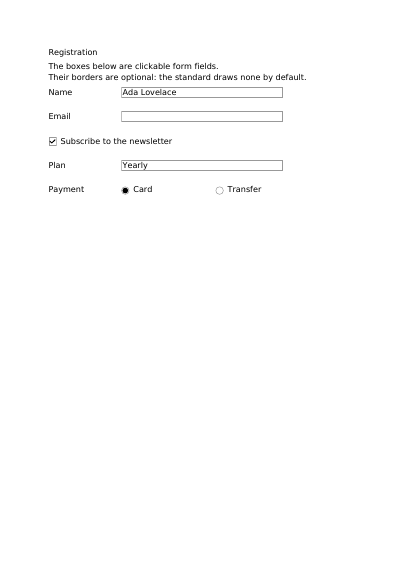
A form that is also a PDF/A-3 file: every field already drawn, with a visible frame, expecting nothing from reading software.
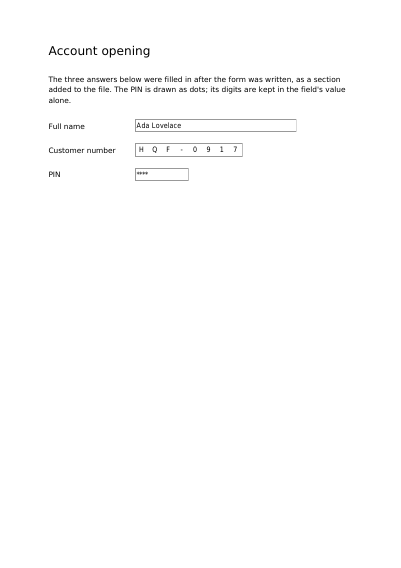
A form written with its fields empty, then answered the way a program answers a form it received, in a section added to the end of the file: the customer number takes one box of its comb per character, and the PIN shows as dots, its digits kept in the field's value alone.