Internal and External Links
A link draws nothing, so nothing on a page proves it is there: only following it does. That is what makes links the part of a document most often broken without anybody noticing — the file is created again, the pages shift by one, and every line of the contents now lands a page early.
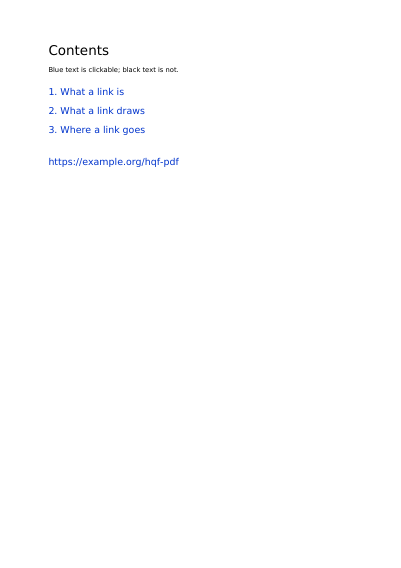
So this document is made to be followed rather than looked at. Open it and click: every line of the contents lands on the page it names, every page leads back to where it came from, and the address pointing outwards opens a site. The same list stands in the panel of bookmarks beside the page — desktop reading software such as Adobe Acrobat Reader keeps that panel open, the reading software built into a browser hides it behind a button.
Each chapter then shows something a link does besides take you somewhere. The first holds one link spread over two separate lines, with nothing clickable between them, and a way back filed under a name rather than a page number, so it still lands right when the pages move. The second shows the five borders a link can draw round itself: solid, dashed, raised, sunken and underlined. The third goes back to the contents eight ways, one for each way reading software can be told to show the page it lands on — the whole page, its full width, its full height, one rectangle of it, and so on.
What This Example Shows
- A contents page whose lines land on the pages they name.
- One address that leaves the document and opens a site.
- The same list again in the panel of bookmarks beside the page.
The Source Code, Complete
Nothing is left out and nothing is simplified: this is the program exactly as it runs, for the developer who uses this library.
The third is the description itself: a plain list of what the page has to say, which is what the service is sent.
Read the Rust source
Read the Python source
Read the JSON source
The Document Itself
Open the document in English
Open the document in French
Open the document in German
Open the document in Spanish
Open the document in Italian
Open the document in Portuguese